
High Deliverability
Authenticated sending with SPF, DKIM and DMARC configured to keep your mail out of spam folders.
Private sending infrastructure for Nigerian businesses
Your own private SMTP server for bulk email sending — dedicated sending IPs, authenticated SPF/DKIM/DMARC domains and expert configuration built for high inbox placement instead of the spam folder. Fully deployed and handed over ready to send.
Authenticated sending with SPF, DKIM and DMARC configured to keep your mail out of spam folders.
Your own dedicated IP addresses — your sending reputation is never shared with anyone else.
Anytime, anywhere access to your mailbox through a browser — no desktop client required.
Complete administrative control over your server with hands-on help whenever you need it.
Five dedicated tiers — every package is a fully private SMTP server, professionally configured and ready to send. See the full SMTP server pricing and feature comparison before you choose.
Need a volume above 3,000,000 / month? Request a custom quote → See the full package comparison →
*After proper IP warm-up and optimization.
Dedicated SMTP Server Setup
Domain Setup & Configuration
Professional SMTP Configuration
4 – 6 Hours Setup Time
IP Warm-Up Guidance
Compatible With Popular Mailing Software
Optimization Goal: reach and hold the target inbox rate after proper IP warm-up and optimization.
*Inbox placement depends on domain reputation, email content, list quality, IP warm-up and sending practices.
Why Nigerian businesses outgrow shared mail servers — and what a properly configured private SMTP server does differently.
Most Nigerian businesses start on shared hosting, where outbound mail is capped — often a few hundred messages an hour — and every account on the machine shares one IP address. One bad sender in that pool, and your receipts, invoices and campaign email land in the spam folder alongside theirs. When you need to send bulk email reliably, shared infrastructure is the ceiling you hit first.
A dedicated SMTP server in Nigeria gives your business its own sending IP addresses and its own sender reputation, so nothing you send is judged by another company's behaviour. Your domain is authenticated end to end, your sending limits are the ones you actually paid for, and you keep records of every delivery attempt for support and auditing.
Inbox placement is an authentication problem before it is a content problem. Google and Yahoo now require authenticated bulk senders, so SPF, DKIM and DMARC alignment is the baseline — not an upgrade. On top of that comes IP warm-up, keeping spam complaints under 0.3%, and cleaning inactive addresses off your list. Those are the levers that move email deliverability, and all of them are configured for you.
Comparable Nigerian SMTP providers advertise rates in the hundreds of thousands of naira per day. Afbabfel Infotech sells the same class of product on simple monthly terms — ₦70,000 to ₦350,000 per month — billed in naira, with your setup engineer a WhatsApp message away rather than an offshore ticket queue.
Ready to move your sending onto private infrastructure? Compare the five SMTP server packages or request a package now.
A clear four-step onboarding — most servers are live within a single working day.
Tell me your sending volume and use case on WhatsApp or Telegram. I'll recommend the right package.
Provide your domain details so DNS records can be prepared for authenticated sending.
Server provisioning, domain setup and full SMTP configuration — handled end to end.
You receive credentials, webmail access and guided IP warm-up. Ready in 4 – 6 hours.
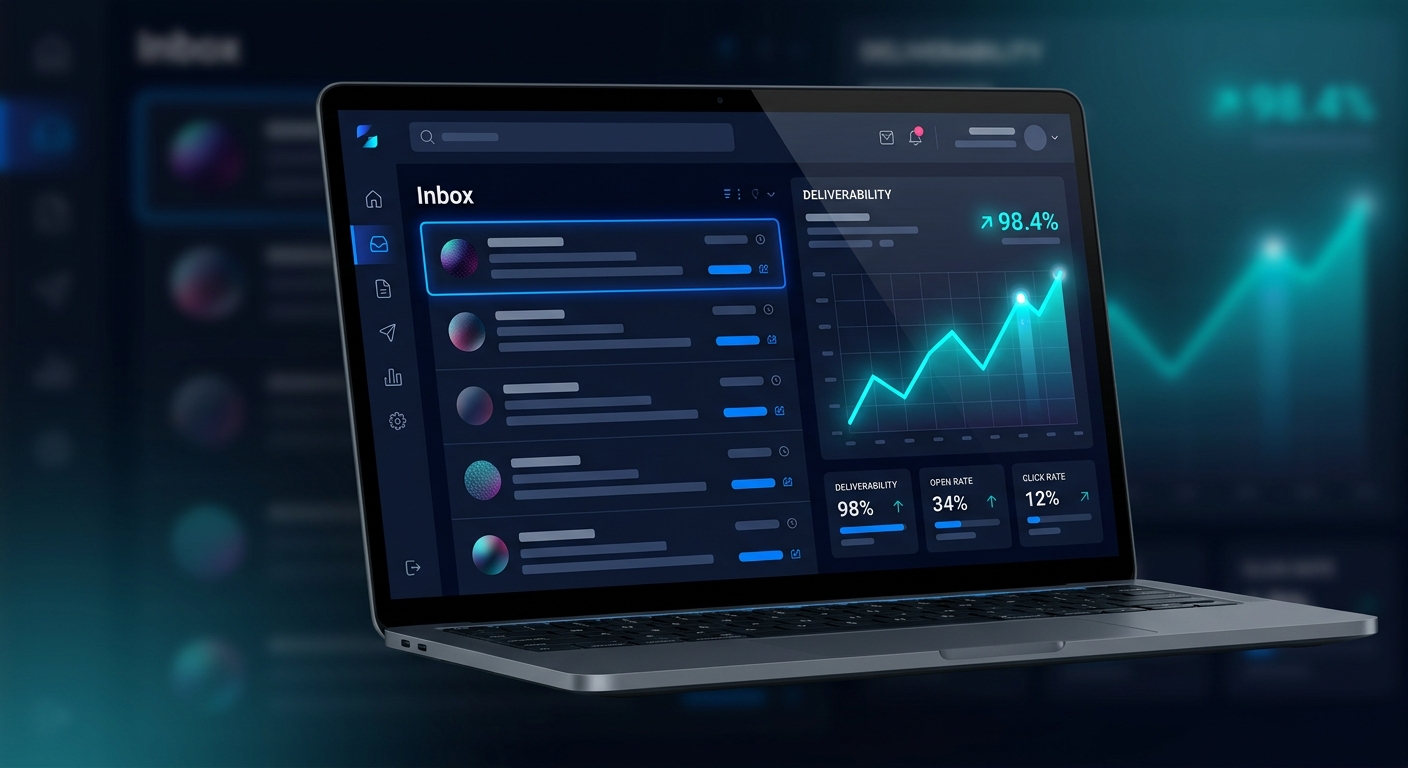
Track deliverability, open rate and click rate from a single dark-mode dashboard, and reach your inbox through webmail from any device.
Businesses that moved their sending onto a private Afbabfel Infotech server — and what changed afterwards.
We were landing in spam on shared sending and losing order confirmations every week. On our own dedicated server the difference was immediate — set up the same afternoon, and our transactional mail has been landing in the inbox since.
What sold me was the follow-through. I got a clear warm-up schedule instead of being left to guess, and when I had a question about our DKIM records I had an answer the same day. Genuinely hands-on support.
We run product updates and onboarding sequences to a list in the hundreds of thousands. Having our own IPs means one bad campaign can't damage anyone else's reputation — and nobody else's can damage ours.
The webmail access is what my team actually uses day to day — no desktop client to configure on new laptops. Everything was handed over with the credentials documented, which I appreciated.
Sending infrastructure trusted by teams at
 Northgate
 Corevault
 Veltrix
 Astrion
 Halcyon
Logos and names are illustrative examples.
Real reviews from real clients carry more weight than any advert. Reviews are checked before they appear, so nothing shows on this page until it has been approved.
A fully provisioned SMTP server on private dedicated IP address(es), your domain configured and authenticated, professional SMTP configuration tuned for delivery, webmail access, and IP warm-up guidance so you can start sending responsibly.
Most servers are ready within 4 – 6 hours once your package and domain details are confirmed. You get the credentials and configuration the moment the build is complete.
A brand-new sending IP has no reputation, so sending your full volume immediately can hurt placement. Warm-up means ramping volume gradually over the first days and weeks — I give you a schedule to follow so your reputation builds steadily.
With proper IP warm-up and optimization the target is an 80 – 85% inbox rate. Final placement also depends on your domain reputation, email content, list quality and ongoing sending practices — I configure everything on the server side to give you the best possible foundation.
Yes. You can reach your mailbox from any browser, on any device, at any time — no desktop client required. You can of course still connect Outlook, Thunderbird or any other mailing software.
The server is compatible with all popular mailing software and platforms, including standard desktop clients and bulk sending tools that support SMTP authentication. Send me your tool and I'll confirm the exact settings.
A dedicated SMTP server is outbound email infrastructure reserved for your business alone, rather than shared with other senders. You need one when your sending volume outgrows your host's hourly cap, when your email keeps landing in the spam folder, or when receipt and campaign delivery is business-critical and you cannot afford somebody else's reputation dragging yours down.
Yes — and it is not optional any more. Google and Yahoo require authenticated bulk senders, and DMARC alignment is the difference between inbox and spam folder for most new domains. I configure SPF, DKIM and DMARC on your domain as part of every package, so the records are correct before your first send rather than after your first complaint.
Daily ceilings run from 5,000 on Starter, through 10,000 and 25,000, up to 50,000, with 100,000 per day on Elite Professional. Monthly allowances range from 150,000 to 3,000,000 messages. The full breakdown is on the package comparison page, and during warm-up I pace you below the ceiling deliberately.
Yes — a private IP with proper authentication is exactly the right foundation for outreach, and far safer than a shared pool. Two honest conditions though: you need a separate sending domain rather than your primary one, and the volume has to be warmed up gradually. Send me your target daily volume and I will tell you what is realistically achievable.
Usually one of four things: missing or misaligned SPF/DKIM/DMARC records, a brand-new IP with no sending history, a list full of inactive or invalid addresses, or a spam complaint rate above 0.3%. Server-side fixes are mine to make — authentication, warm-up pacing and monitoring. List hygiene and content are yours, and I will tell you plainly which side a problem sits on.
Both. Port 587 with STARTTLS is the modern submission standard, and port 465 with implicit TLS is there for older tools. If your sending software only offers one, it will work — send me the tool and I will give you the exact settings.
Because the IP is dedicated to you, a listing affects your account only and can be addressed directly. I monitor reputation continuously, and if a listing appears I work through the delisting process with the relevant blocklist on your behalf. Prevention is the larger part of the job though: warm-up, authentication and monitoring all exist to stop a listing ever happening.
Send me your intended sending volume on WhatsApp or Telegram — or fill in the quote form. I'll confirm the right package, then begin setup straight away.
Message me to get started
Send a message and it reaches us straight away — or use a direct channel below.
Tell me your sending volume and I'll come back with the right package, pricing and setup window — usually within a few hours.
Thanks — your quote request is ready to send. Choose how you'd like to deliver it and I'll reply shortly.
Or call +234 807 911 2397